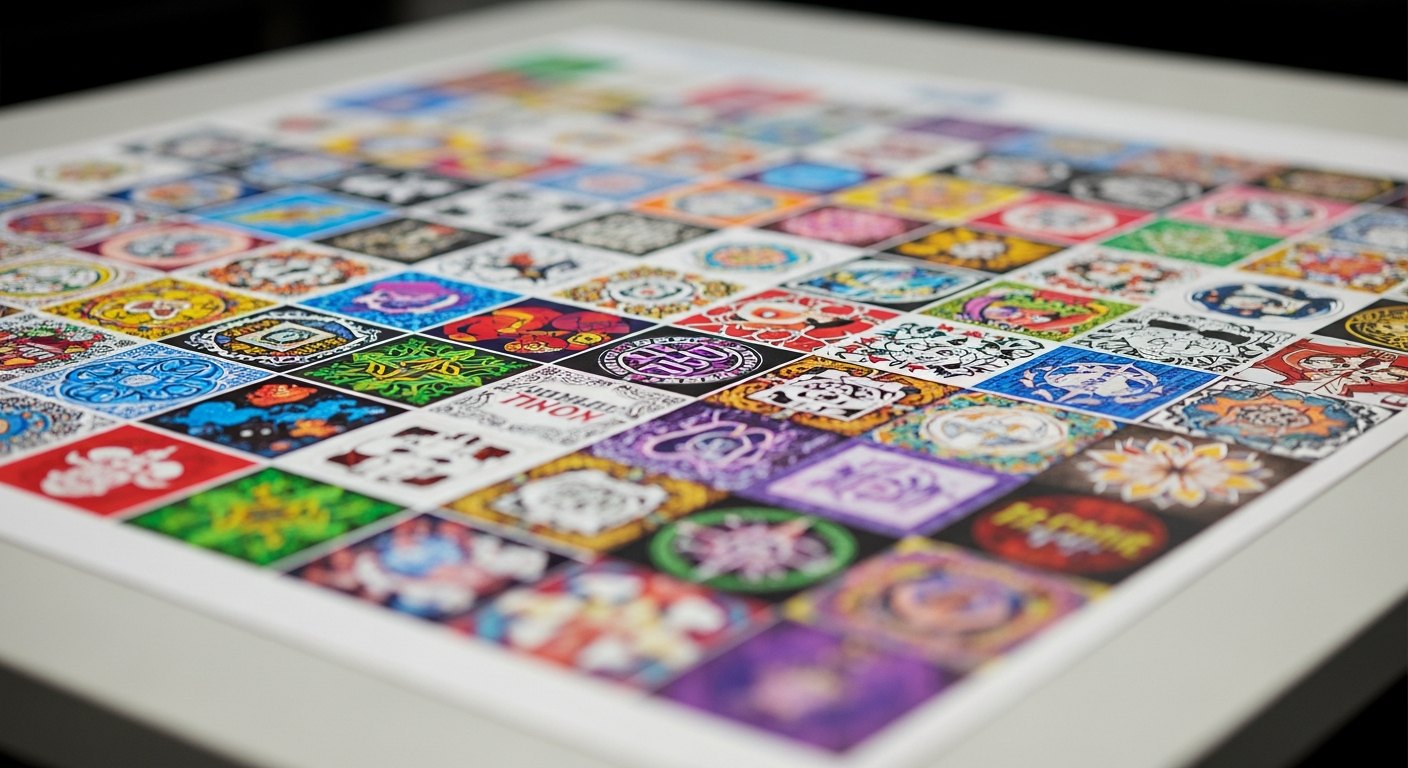
DTF Gang Sheet Size Guide: Which Size to Choose and Why
Gang sheet size is one of the biggest levers on what you pay per transfer. Here is how to match a size to your order and keep empty film to a minimum.

Picking a gang sheet size feels like a small decision, but it is one of the biggest levers on what you pay per transfer. Choose too small and you run several orders when one would have done the job. Choose too big and you leave expensive film empty. This guide walks through the common gang sheet sizes, how to match a size to your order, how size moves your cost, and how to lock it in inside the gang sheet builder.
How gang sheet sizes actually work
A gang sheet is one large sheet of DTF transfer film that holds many designs "ganged" together. New to the format? Start with what is a gang sheet for the full picture.
Sizes come down to two numbers: width and length.
- Width is fixed to a few standard options. DTF is printed on a roll of film, so the width of your sheet is set by the press. Most shops work from a common width in the range of roughly 22 inches. You pick from the widths offered, you do not type in any number you want.
- Length is where you choose. This is the dimension you flex to fit your order. A short sheet suits a handful of designs. A tall sheet suits a big batch. For long production runs, a by-the-foot option lets you order exactly the length you need.
Think of the sheet as a roll of printable real estate. Width is the lane. Length is how far down the road you go. You are buying area, so the size you pick decides both how much fits and what each transfer costs.
The common gang sheet sizes, small to large
Across DTF, sizes tend to fall into a few tiers. The exact dimensions and the full set of options live in the builder, but the ladder below is the pattern you will see almost everywhere. Use it to find the tier that matches your order, then confirm the real sizes in the gang sheet builder.
- Small / starter sheet. What it is best for: A one-off project or a quick test. Typical use: A single shirt, a sample, a proof of a new design.
- Medium sheet. What it is best for: A small batch or a mixed personal order. Typical use: A few shirts for a family event, a short market run.
- Large sheet. What it is best for: A bulk run or a full merch drop. Typical use: A team order, a POD restock, a seasonal batch.
- By-the-foot / long run. What it is best for: High-volume production. Typical use: Shops printing dozens of garments from one layout.
A few things worth knowing as you read that ladder:
- You can mix designs on any size. A gang sheet does not have to be one repeated graphic. A logo, a name, a back print, and a stack of small pocket designs can all share the same sheet. Size is about total area, not sameness.
- One tall sheet usually beats several small ones. If your order could fit on one large sheet or spread across three small ones, the single large sheet is almost always the better buy. More on why in the cost section below.
- The by-the-foot option is for scale. When you are printing in real volume and want to order an exact length rather than a preset, by-the-foot is the tool. It keeps waste low on big runs.
How to choose the right size by order type
The fastest way to pick is to start from the kind of order you are running. Match yourself to one of these.
One-off or sample order
You have a single design, or you are testing artwork before committing to a batch. Reach for a small or starter sheet. Do not buy a large sheet to press one shirt: that is the classic way to overpay, because most of the film ships empty. If you only need to prove a design works, the smallest sheet that holds it is the right call.
Bulk or single-design run
You need the same design many times: a dozen staff shirts, a run of one hot seller, a restock. Go large, and duplicate the design across the sheet. Copies cost you nothing beyond the space they take, so a tall sheet packed with the same graphic gives you the lowest cost per transfer. If the run is big enough, step up to the by-the-foot option.
Mixed order
This is the sweet spot for gang sheets. You have different designs, different sizes, and different quantities all in one order. Pick a size that lets you lay everything out together, then nest it tight. A medium or large sheet usually wins here because the variety fills the space well and you pay for one sheet instead of several. The skill of packing mixed artwork is covered in how to maximize a DTF gang sheet.
A simple rule covers most cases: pick the smallest sheet that holds everything you need to press in one layout. That keeps empty film to a minimum without forcing you into a second order.
How size changes your cost
Here is the part that makes size matter, and it is the same principle behind every gang sheet decision: you pay for the sheet area, not for the number of designs. Two sheets of the same size cost the same whether one holds a single graphic and the other holds forty. That one fact drives everything below.
Cost per square inch
Larger sheets usually carry a lower cost per square inch than smaller ones. The setup, the handling, and the film all get spread across more printable area. So on a per-inch basis, a big sheet is typically the better value, which is why one tall sheet tends to beat several small ones for the same total artwork.
Cost per design
Your cost per design is simply the sheet price divided by how many usable designs you fit on it. That means size only pays off if you actually fill it. A large sheet with ten designs on it can easily cost more per transfer than a small sheet packed solid, because the small one wasted nothing. The move is to pick a size you can genuinely fill, then nest it tight so every inch earns its keep.
In practice, two things set your real cost:
- The size you pick sets your cost per square inch.
- How well you fill it sets your cost per design.
Get both right and you hit the lowest cost per print available. For the full breakdown of how sheets are priced and how to estimate an order, see DTF gang sheet pricing.
How to pick and set your size in the builder
The gang sheet builder is a drag-and-drop canvas sized to a real gang sheet. You choose a size, drop in your art, and it outputs one print-ready file. Here is how to land on the right size inside it.
- Open the builder and look at the size options. Start in the gang sheet builder. You will see the available widths and lengths. The canvas shows the real printable area for each one.
- Upload your designs first. Drag in your artwork before you commit to a size. Use transparent PNG files so nothing prints inside a solid box. If your files are not set up right, read DTF gang sheet file setup first.
- Set each design to its real pressed size. Scale every graphic to the exact size it will be on the garment. A full back print and a left-chest logo are very different sizes, so set them individually. This tells you how much area you actually need.
- Let the layout show you the size. Arrange everything on the canvas and watch how much space it takes. If your art fills a medium sheet with room to spare, size up and add more. If it barely fits, size up so nothing runs off the edge.
- Nest tight, then confirm. Push designs close together, rotate odd shapes to interlock them, and tuck small graphics into the gaps. Once the sheet is packed and nothing overlaps or bleeds off the edge, that is your size. The builder exports the single print-ready layout.
The builder does the hard part for you: it shows the real sheet so you are never guessing at dimensions. Pick the size that your laid-out art fills cleanly, and you have made the right call.
Ready to size your order? Start in the gang sheet builder and lay out your first sheet. Need pressed transfers for a specific project instead? See DTF transfers.
Frequently asked questions
Auto-nesting, low-res warnings before you pay, shipped same-day from Texas.
Open the builder →